
Rental Property Income & Expense Tracker
Every dollar in and out, sorted into Schedule E categories.
$29Get Template
All templates
Twelve simple templates for owners with 1 to 10 rental units. Every one works in Microsoft Excel and Google Sheets, with no formulas to write.
Each OwnerSheets template does one job: track income and expenses, record rent, follow a lease, log a repair, or analyze a purchase. They share the same plain layout and plain-English guides, so once you have used one, the rest feel familiar. Choose a single template, or get all twelve in the Complete Landlord Bundle.
Every dollar in and out, sorted into Schedule E categories.
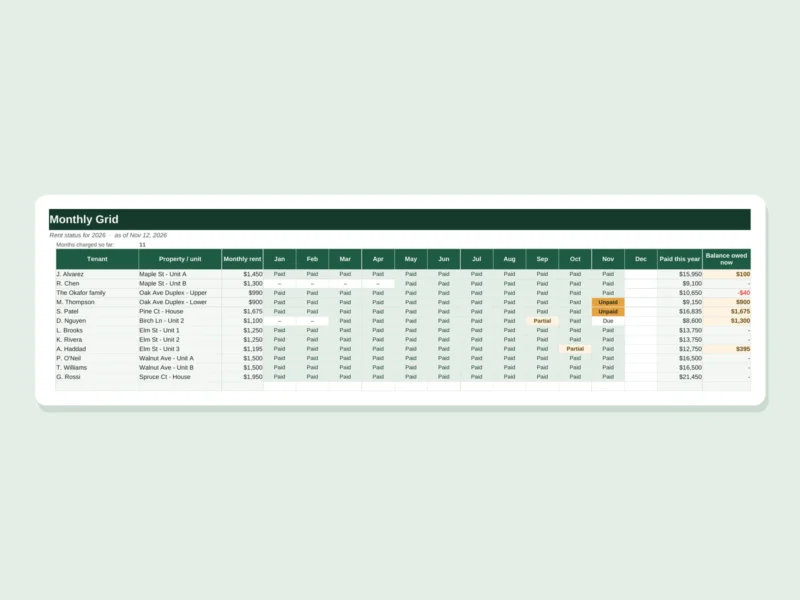
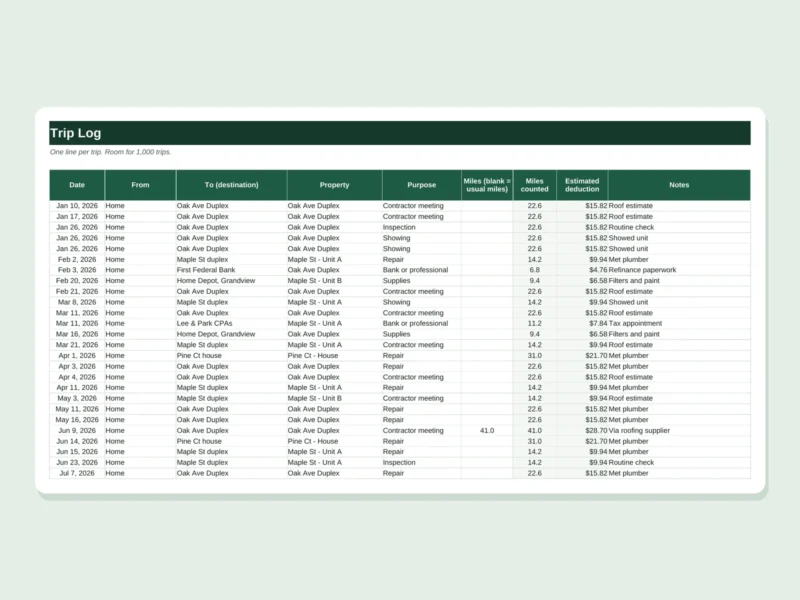
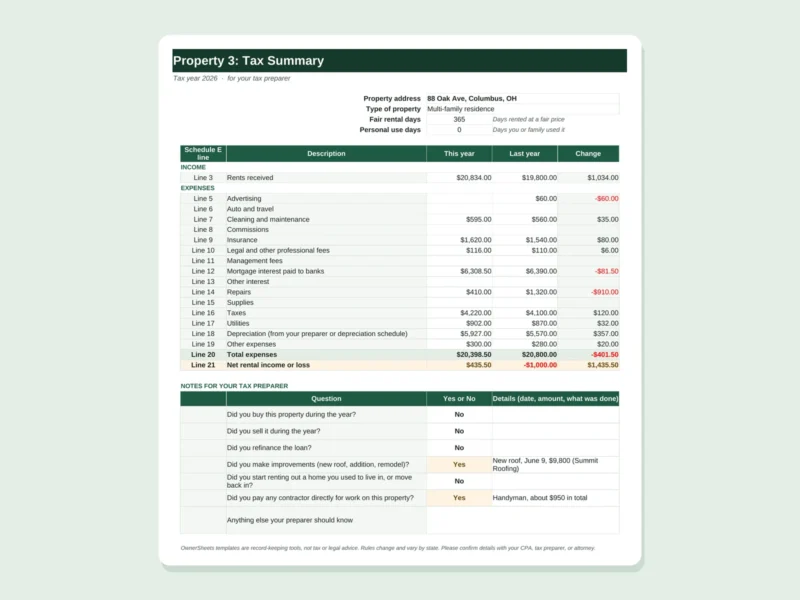
Roll up your year into one clean page for your tax preparer.

Estimate yearly depreciation for each building and improvement.
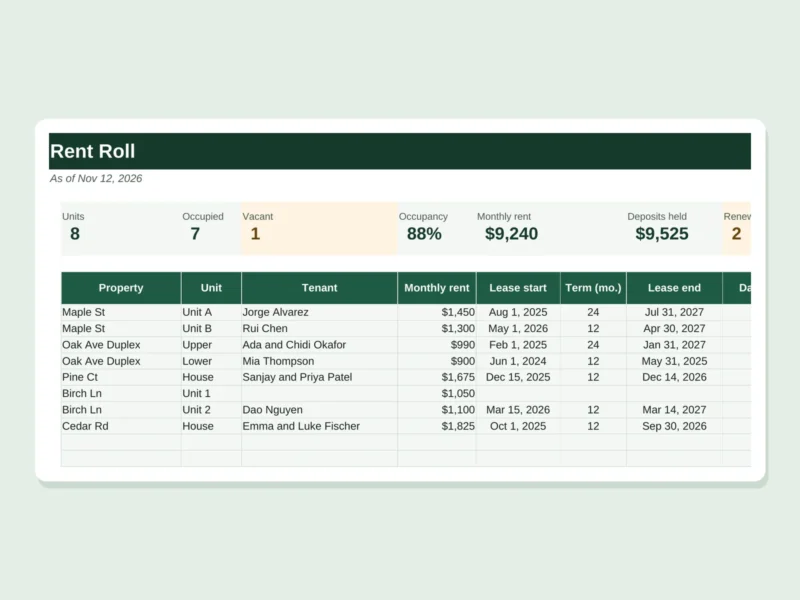


Track deposits held, deductions, and refunds for every tenant.
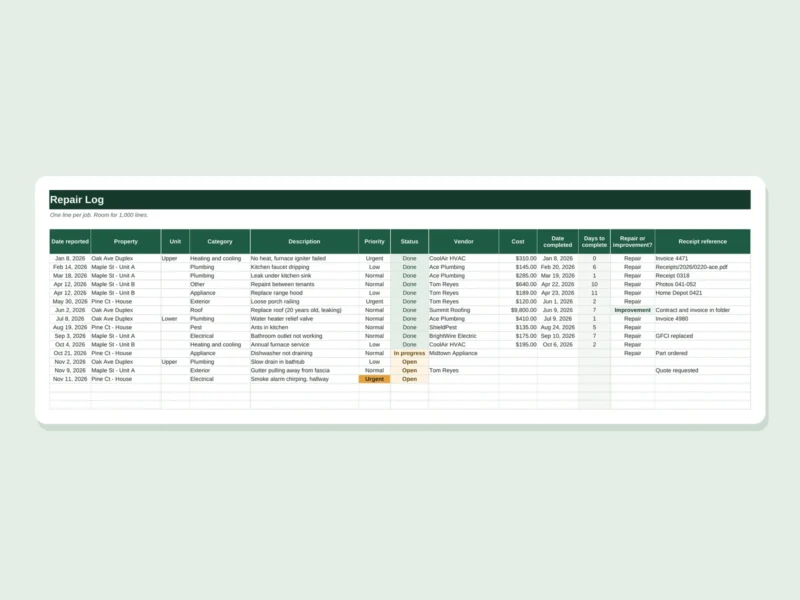

Document each room's condition at the start and end of a lease.
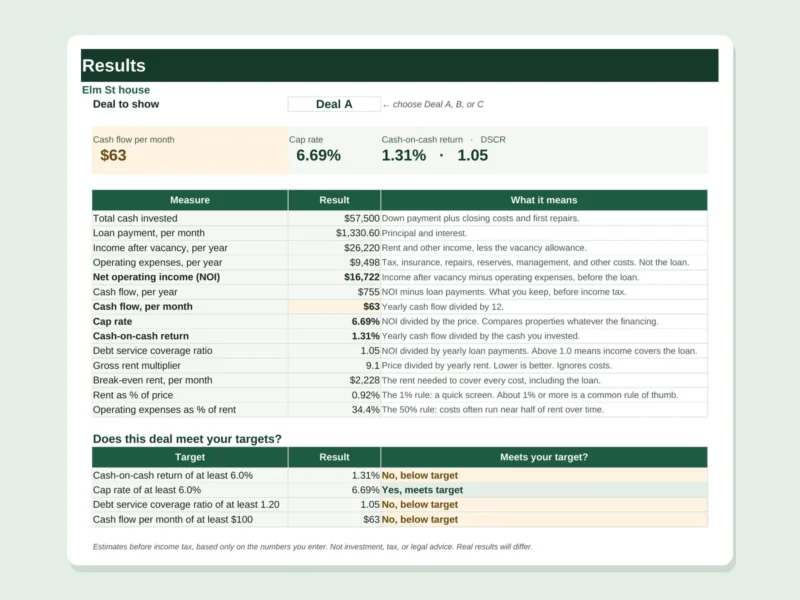
Check cash flow, cap rate, and return before you buy.

One page showing how every rental in your portfolio performs.
Start with the problem in front of you.
Each download contains an Excel workbook, a link to make your own Google Sheets copy, a quick-start guide, and a sample tab showing a finished example. There are no macros or add-ons, and nothing to install. Your purchase is one-time, with instant download and a 30-day money-back guarantee. Files stay on your own computer or Google account; we never see what you enter.
Yes. Every template comes as an Excel file and as a Google Sheets copy link. Google Sheets is free with a Google account.
No. You pay once and keep the files. Save a fresh copy each year.
Most are built for up to 10 properties or 20 units, which suits owners with 1 to 10 rentals.
Your download link appears right after checkout and is also emailed to you.
Contact us within 30 days under our money-back guarantee and we’ll refund your purchase.